text motion / browser tool
Word GIF Maker
Make a word GIF where each word flashes through a different font style. Enter your words, preview the changing type, and download the loop free in your browser.
Before you export
A clear path from source to GIF.
How it works
- 01
Enter the words you want to feature, one phrase per line.
- 02
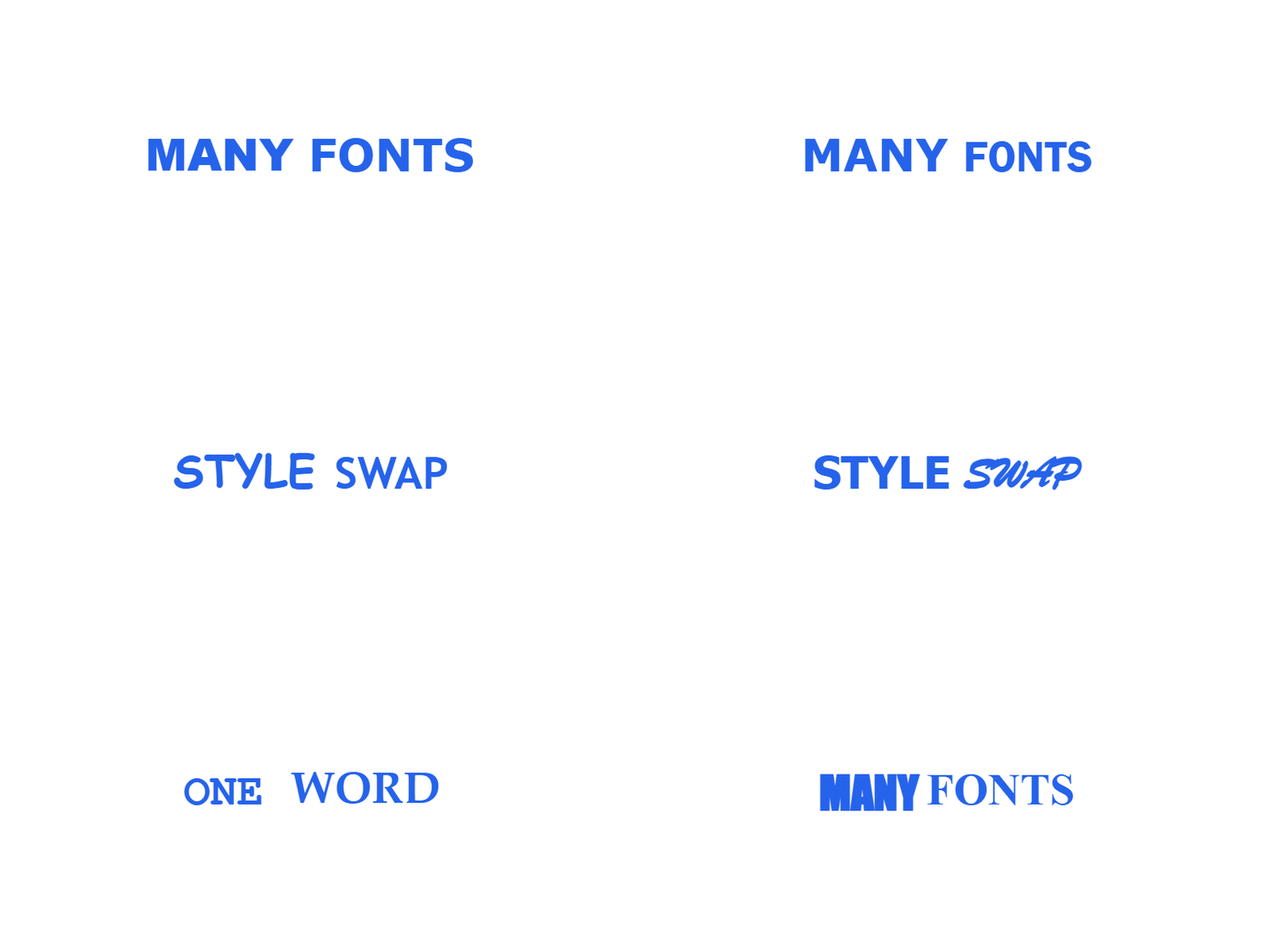
Each word is drawn in a different typeface on every frame, so the line keeps restyling itself.
- 03
Generate and download the changing-font word GIF.
Continue the workflow
Word GIF Maker example GIF
Frequently Asked Questions
Everything you need to know
What is a word changing font GIF?
A word changing font GIF keeps a word or short phrase on screen while restyling it in a different typeface every few frames, so the line appears to flash through styles. It loops without sound or interaction, so it plays anywhere an image does.
How do I make a GIF where the words change fonts?
Type the words you want and generate. Each word is drawn in a different typeface on every frame, so the line keeps restyling itself while the loop plays.
Which fonts does the word GIF use?
The rotation cycles through common installed faces such as Impact, Courier New, Comic Sans, Georgia, Trebuchet, and Brush Script, so the changes stay readable instead of random.
Can I choose which fonts appear?
The rotation uses a fixed set of installed faces so the swaps stay legible instead of arbitrary. The Font family selector styles the prefix, which stays empty unless you type one.
Where can I use a word GIF?
A word GIF is a plain image, so it works in Discord statuses, forum signatures, profile bios, slide decks, and social posts. Upload the file rather than pasting a link.