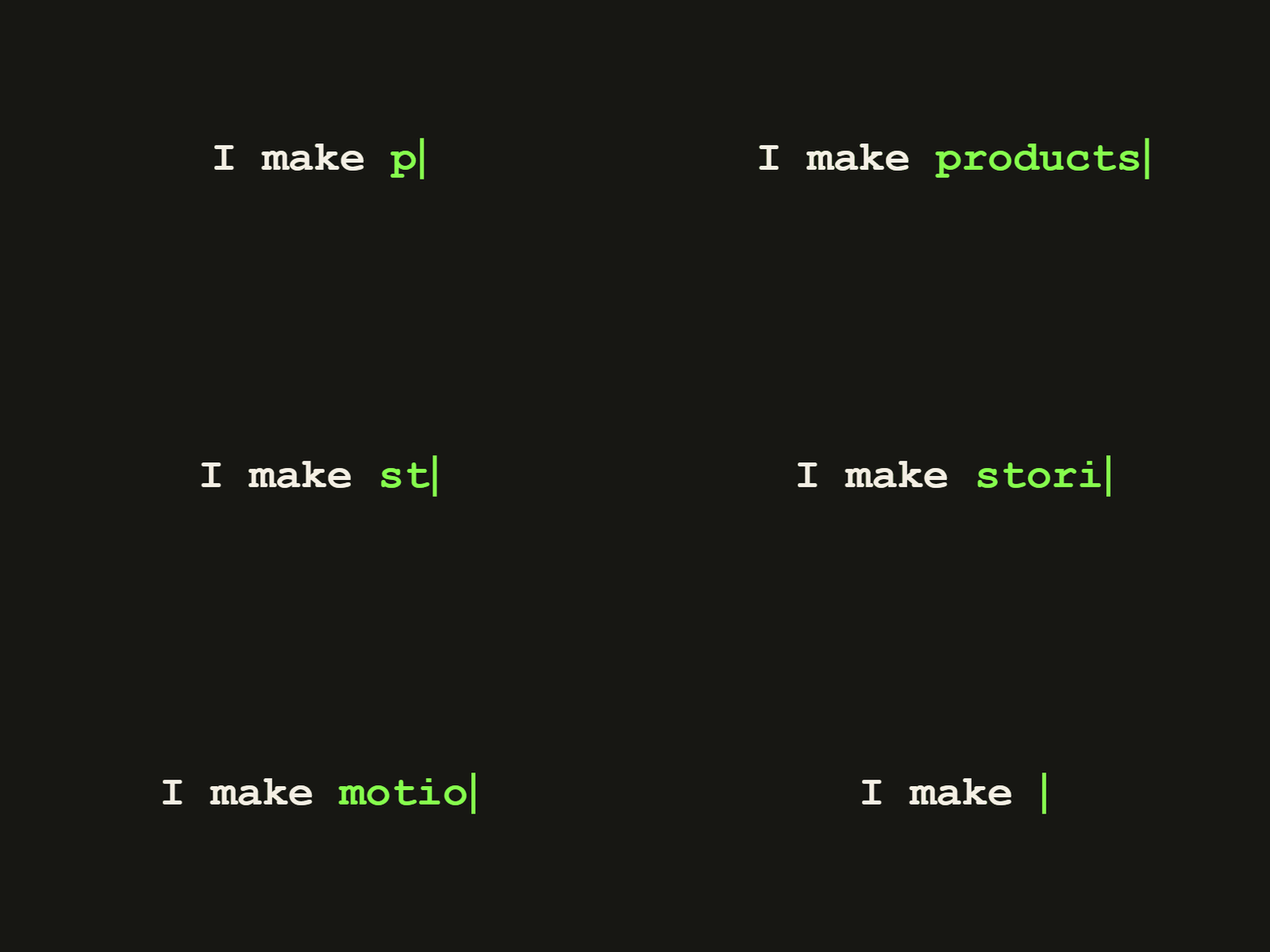
Typing text
Show a message appearing one character at a time.
Make a typing GIFTyping GIF Maker
Set the typing speed and cursor timing, preview the animation, then download your GIF. Free in your browser, with no signup or watermark.
Real GIFs
Show a message appearing one character at a time.
Make a typing GIF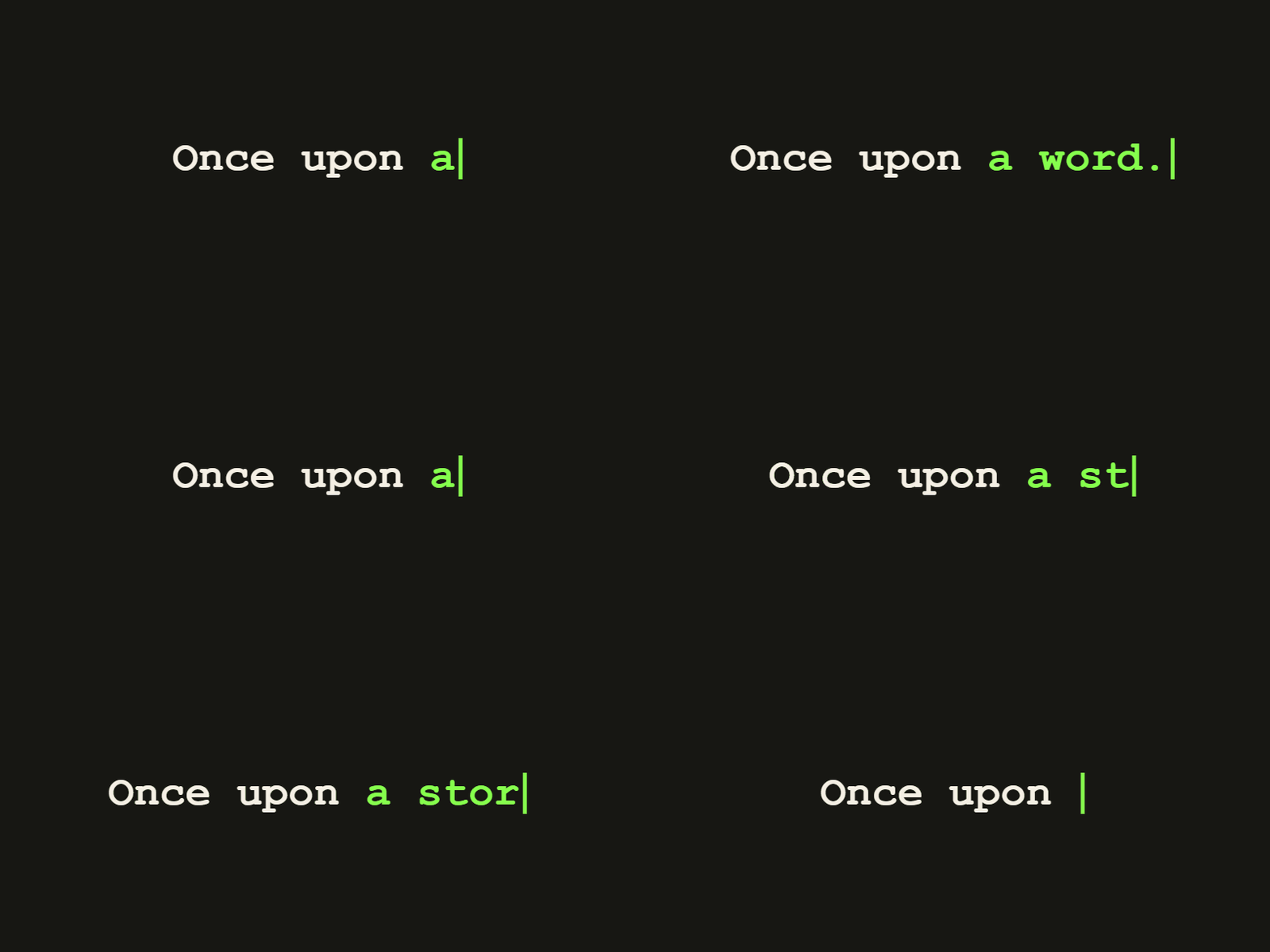
Animate an intro or short message with a classic typewriter look.
Make a typewriter GIF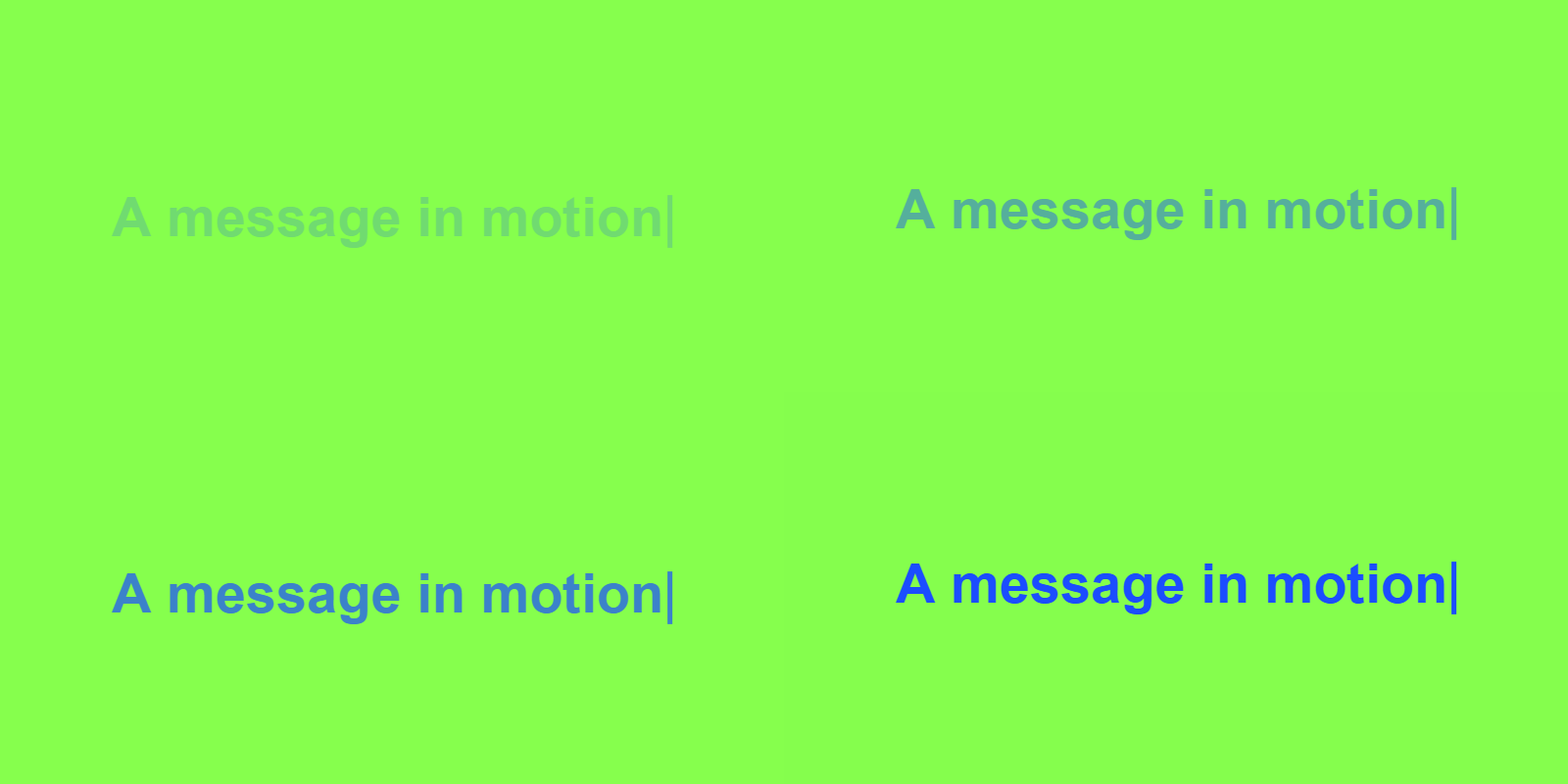
Turn a headline or announcement into a moving banner.
Make a scrolling text GIFTools
Build a letter-by-letter type, hold, delete and rotate sequence.
/02Create animated speech bubbles, cartoon dialogues and message popups.
/03Generate cyberpunk glitch text animations with RGB split motion.
/04Create a classic typewriter animation with precise timing.
/05Turn a headline or announcement into a smooth scrolling loop.
/06Add white background header captions and Impact font to GIFs.
/07Turn a short MP4 clip into an animated GIF in your browser.
/08Resize and re-encode a GIF, then check the downloaded file size.
/09Create transparent animated text overlays for headers, profiles, and stream alerts.