Developer README introduction
Two short lines in a wide, shallow canvas. Keep the file in your repository and add meaningful Markdown alt text.
Load this preset → Read the GitHub guide →text motion / browser tool
Create a typing words GIF online with custom text, typing speed, hold and delete timing, a blinking cursor, colors, and private browser export. Free, no signup.
Before you export
How it works
Enter a fixed prefix and one message per line.
Tune the font, colors, canvas, and typing or deleting timing.
Generate the animation, then download the GIF for your page, README, or post.
Continue the workflow
Read the guide
How to Make a Typing Text GIF That Reads CleanlyLearn how to make a typing text GIF with a fixed prefix, readable timing, rotating words, a clean loop, and a browser-based export.How to Send an Animated GIF by Text (iPhone & Android)Send a GIF in iPhone Messages or Google Messages on Android. Find the GIF picker, attach a saved animation, and troubleshoot when it arrives as a still image.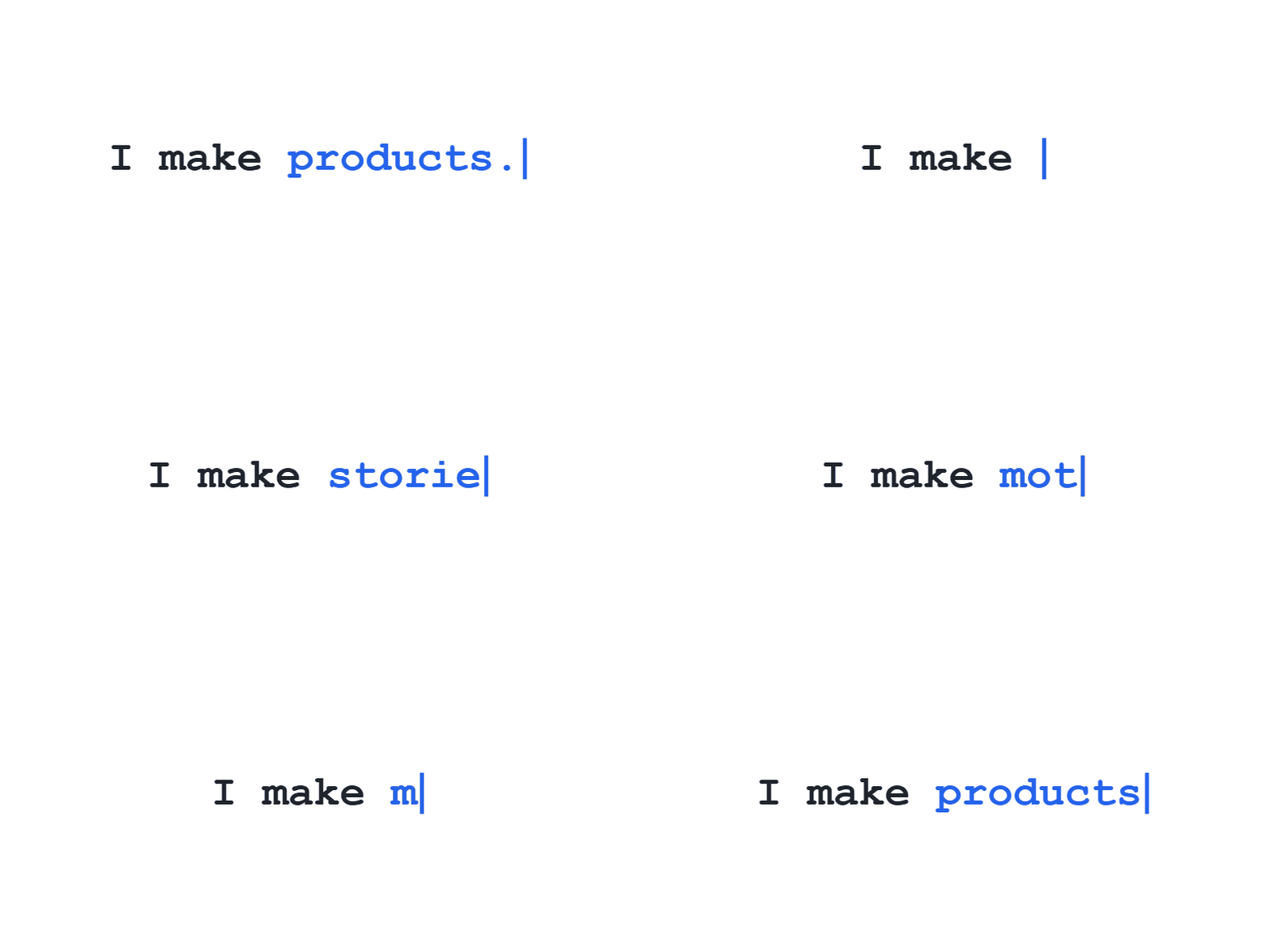
Typing GIF maker / practical settings
Put the words that stay visible in Prefix and enter one changing phrase per line. For example, pair “I make ” with “web tools.”, “small games.” and “GIFs.” as the rotating messages.
Keep each phrase short enough for the chosen width and font size. Hold ms controls the pause on each finished line; widen the canvas or reduce the font size if a phrase runs out of room.
Turn on Delete before the next message when each phrase should clear before the next one types. Enable Transparent background for an overlay, or choose a solid color with strong contrast.
Real workflows, one editable maker
All three recipes use the same working GIF encoder, but start with different wording, dimensions and timing. Open a recipe to load its settings into the editor, then change anything before exporting.
Two short lines in a wide, shallow canvas. Keep the file in your repository and add meaningful Markdown alt text.
Load this preset → Read the GitHub guide →Use a compact high-contrast GIF that can be attached as a message. This does not change Discord’s native typing indicator.
Load this preset → Read the Discord guide →Use transparent output for a portable visual, and keep the real heading as selectable HTML text alongside it.
Load this preset → Read the website guide →For one phrase use a single message; for rotating words keep the shared text in Prefix. Export a smaller canvas when the final GIF will be displayed at a smaller size. A GIF does not make its embedded words selectable by screen readers or search engines.
Frequently Asked Questions
A typing text GIF is an animated image that reveals a phrase one character at a time with a cursor blinking at the end, so it plays like someone is typing in real time. Because it is a plain GIF file, it works where JavaScript cannot run, such as Discord, forum signatures, README files, and slide decks.
Enter your prefix and one rotating message per line, set the typing, hold, and delete delays in milliseconds, then click Generate GIF. The finished animation downloads from your browser with no upload step.
Type the word as the only message, leave the prefix empty if you want that word alone on screen, choose a canvas size, then generate. A single short word animates fastest because the loop contains fewer frames to encode.
Three timings are adjustable: typing speed per character (20 to 1000 ms), how long each finished message holds (100 to 5000 ms), and how fast characters delete (20 to 1000 ms). Slower typing is easier to read, and a shorter hold keeps the loop tight.
Three families are built in: Modern Sans, Editorial Serif, and Terminal Mono, each at regular, bold, or black weight and any size from 12 to 180 pixels. The GIF is drawn by your own browser, so the download matches the preview.
Width can be 160 to 1600 pixels and height 90 to 1200 pixels, with 800 × 400 as the default. Choose the size the GIF will actually be displayed at, because a bigger canvas raises the file size without looking sharper at small sizes.
Yes. Text is split into grapheme clusters rather than raw bytes, so emoji, accented letters, and Chinese or Japanese text animate one character at a time instead of breaking apart. The browser font fallback supplies glyphs the three built-in families do not cover.
There is no fixed character limit, but every character becomes a frame, so long messages produce many frames and a larger GIF. Keep each message to a short phrase if you want a small file and a loop that reads quickly.
Yes. Check the Transparent background option to export an animated GIF with alpha transparency that blends over light and dark backgrounds.
No. Typing Words GIF processes all frames entirely in your web browser with no watermarks, no account signup, and no server uploads.