text motion / browser tool
Social Media Post Animation
Create an animated social post with square, portrait, story, or landscape layouts, a headline, supporting line, and local GIF export. No watermark or signup.
Before you export
A clear path from source to GIF.
How it works
- 01
Enter the message you want to animate in a feed-sized canvas.
- 02
Tune the type, colors, size, and motion while checking readability.
- 03
Generate and download the social-ready GIF.
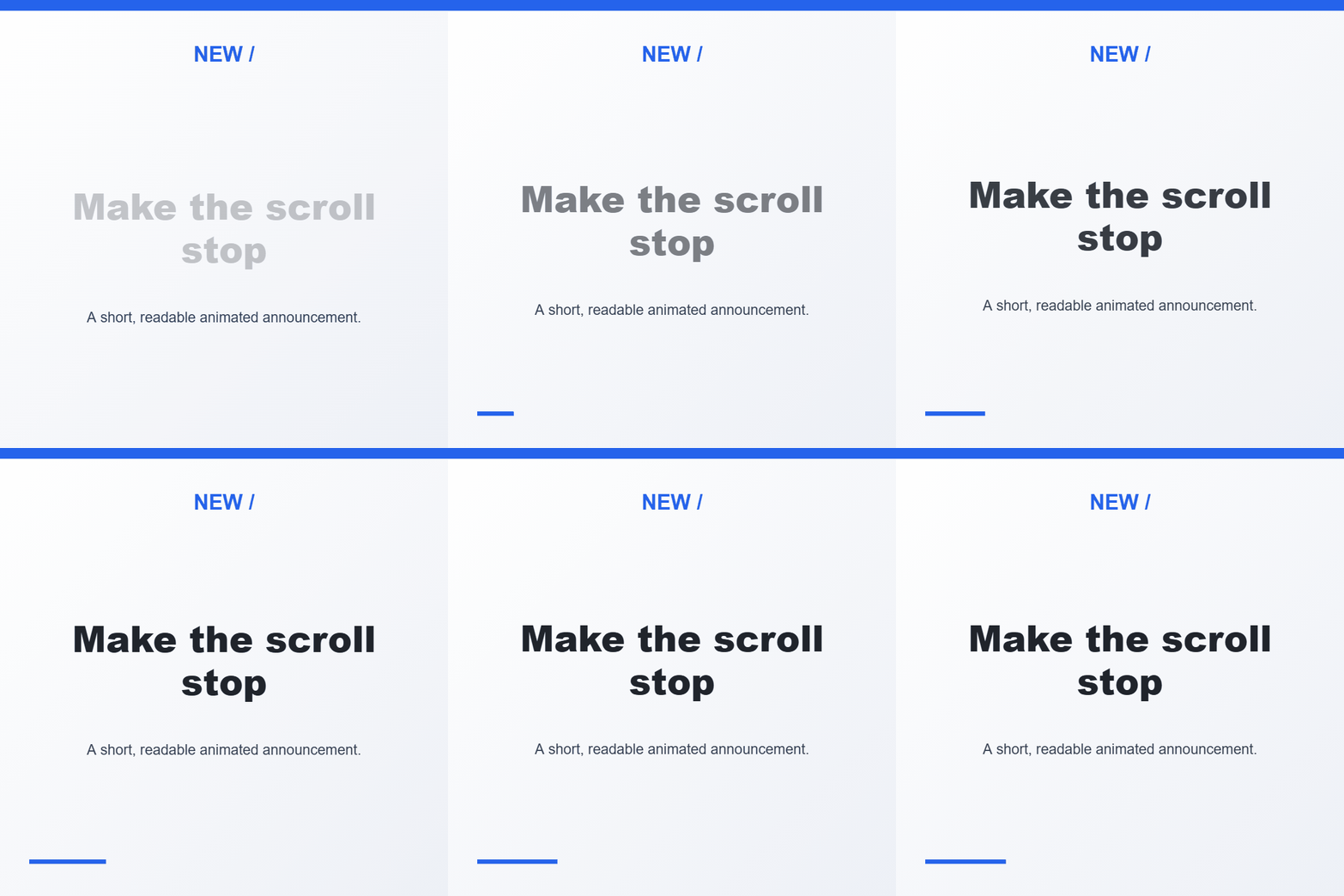
Social Media Post Animation example GIF
Frequently Asked Questions
Everything you need to know
Which post sizes can I choose?
Choose a square 1:1, portrait 4:5, story 9:16, or landscape 16:9 layout. The built-in presets use moderate GIF dimensions to keep exports manageable.
What parts of the social post are editable?
Edit the small heading, main headline, supporting line, font, colors, alignment, timing, and canvas size. The headline eases into view while the supporting line stays readable.
Can I upload the GIF directly to every social platform?
Not necessarily. Some placements require a video file rather than GIF; check the destination format before publishing. This tool exports a GIF, not an MP4.